No signup. Use in your projects and content.
Free SVG Bundle for Creators, Crafters & Bloggers
Grab a free set of cut files for Cricut and Silhouette, no account required. Use them in your makes, tutorials, and posts. If you share, a quick credit link back is all we ask, and the snippet below makes it one click.
How you can use these files
These files are free to use in your craft projects, blog posts, videos, and other content. If you share something you made with them, a link back to hkcmarket.com is appreciated, and the snippet below makes it easy. You can sell finished physical items you cut or print. Please do not resell or redistribute the files themselves, or pass them off as your own designs.
Credit snippet (optional, appreciated)
Paste one of these wherever you share a project made with the bundle.
Paste into a blog post (HTML)
Cut files from <a href="https://hkcmarket.com">HKCMarket</a>Paste anywhere (plain text)
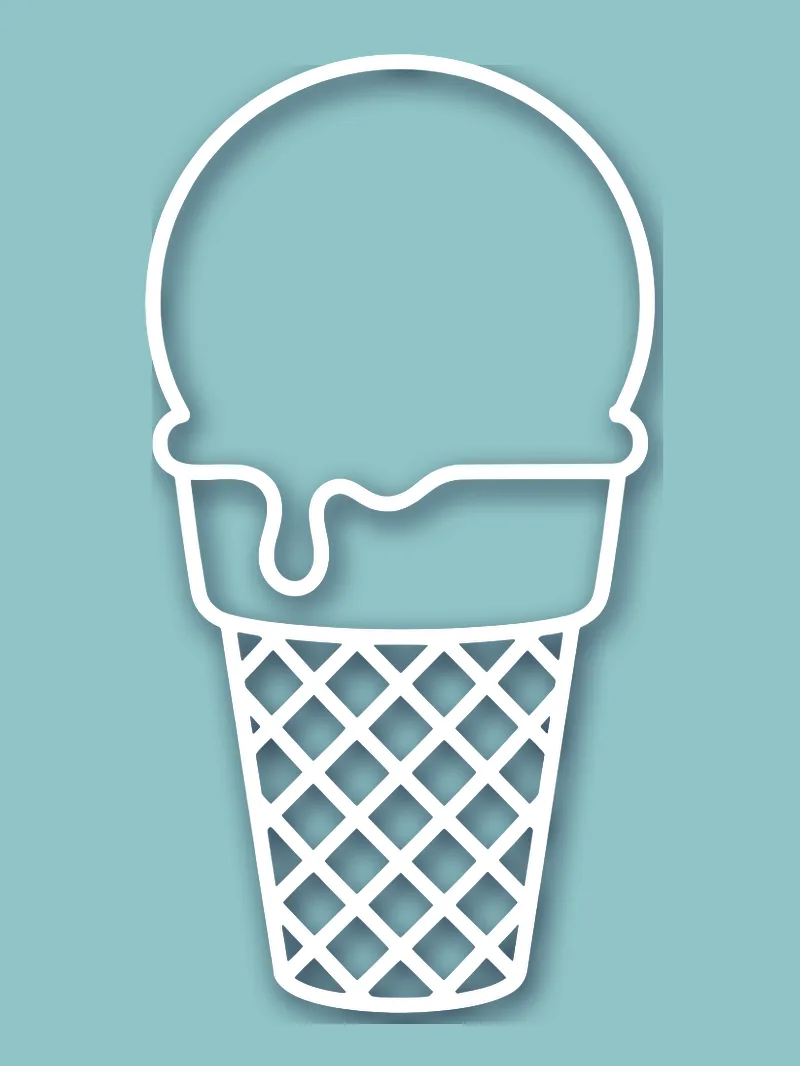
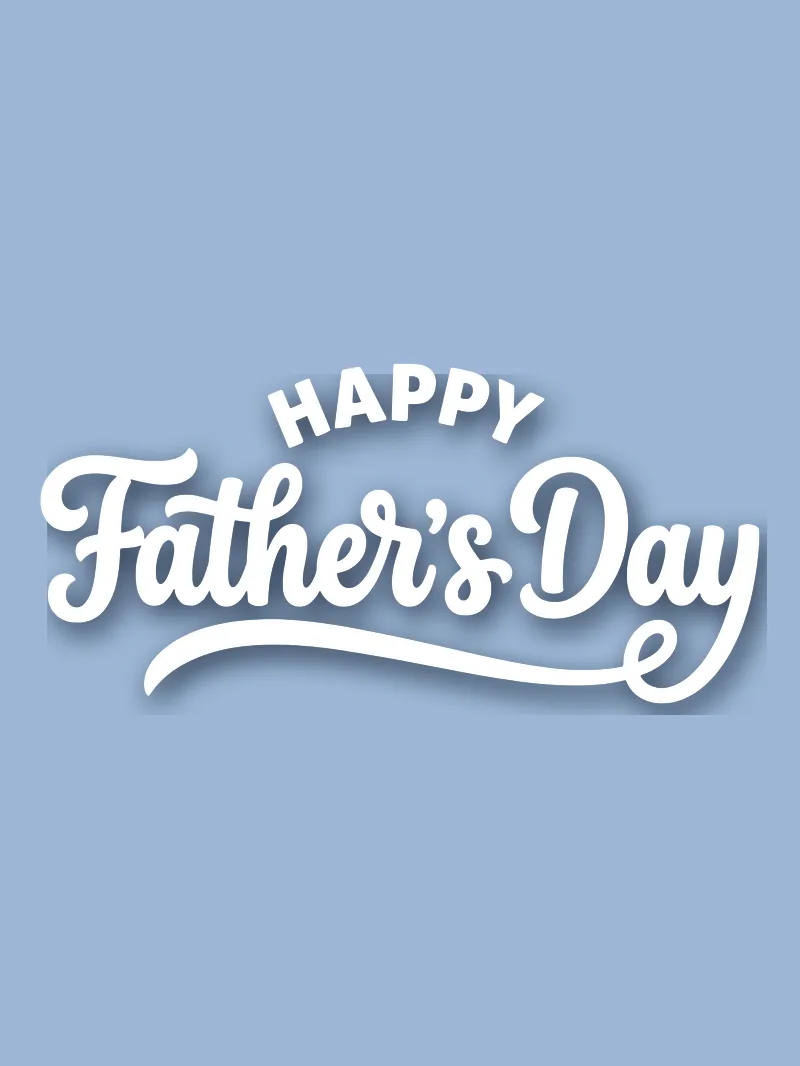
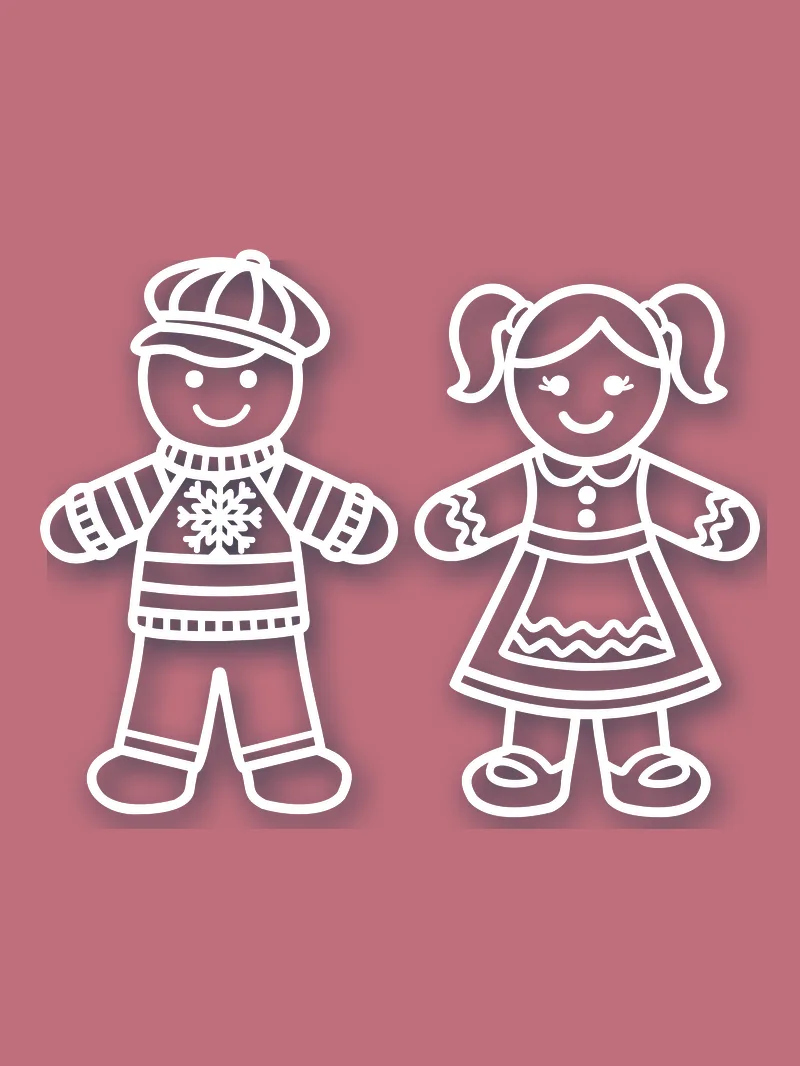
Cut files from HKCMarket (https://hkcmarket.com)What's inside the bundle

Frequently asked questions
Are these SVG files really free?
Yes. Download the bundle with no account and no payment. The files are free to use in your projects and your content. If you want more, hundreds of additional free designs are available with welcome points when you create a free account.
Do I have to link back to HKCMarket?
A link back is appreciated, not required. If you publish a project, tutorial, or roundup that uses these files, the copy-and-paste credit on this page makes it easy to point readers to the source. It helps other crafters find the files and helps us keep them free.
Can I use these commercially?
You can sell finished physical items you make with the files, like cards, layouts, shirts, and decals. You cannot resell or redistribute the files themselves, bundle them into your own download product, or pass the designs off as your own.
What formats and machines do they work with?
The bundle ships SVG files, plus PNG where available. SVG loads straight into Cricut Design Space and Silhouette Studio and scales to any size without losing quality. For a full breakdown of when to use each format, see our guide on SVG vs PNG vs DXF.
Where do I get more free files?
Browse hundreds of free cut files for Cricut and Silhouette in the full catalog. Create a free account and your welcome points cover your first downloads at no cash cost.
New to cut file formats? Read our SVG vs PNG vs DXF guide.