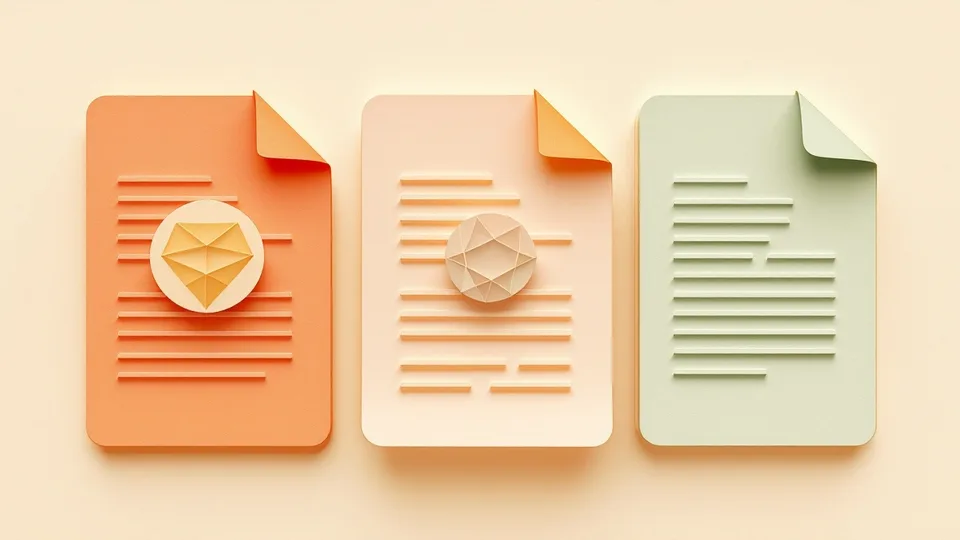
Cut file downloads come in a few different formats, and the format you pick changes what your machine can do with it. This guide explains SVG, DXF, PNG, and JPG in plain terms, so you can tell at a glance which one to reach for on a Cricut or a Silhouette.
Quick comparison
| Format | Vector (scales cleanly)? | Cricut Design Space | Silhouette Studio | Print then cut | Keeps layers and colors | Best for |
|---|---|---|---|---|---|---|
| SVG | Yes | Yes, free tier | Yes (Designer Edition for direct import) | Limited | Yes | Most cutting projects |
| DXF | Yes | Yes | Yes, free tier | No | Outlines only | Silhouette free tier and as a fallback |
| PNG | No, raster | Print then cut | Print then cut | Yes | Flattened, supports transparency | Print and cut, stickers |
| JPG | No, raster | Print then cut | Print then cut | Yes, no transparency | Flattened | Reference images and photo prints |
SVG
SVG is a vector format, which means it is built from math, not pixels, so it scales to any size with crisp edges. It is the format most crafters want for cutting. It loads straight into Cricut Design Space on the free plan, and into Silhouette Studio Designer Edition for direct SVG import. It keeps separate layers and colors, and it resizes from a tag to a wall decal without going fuzzy.
DXF
DXF is also a vector format, and it is the one to use if you run the free version of Silhouette Studio, which does not import SVG directly. DXF carries the cut outlines but usually drops fills and color, so you may need to recolor after importing. It is a dependable fallback when SVG will not open.
PNG
PNG is a raster format made of pixels, so it does not scale up cleanly. What it does well is print and cut. A PNG with a transparent background is ideal for stickers and print then cut projects, where the machine prints the design and then cuts around it.
JPG
JPG is a raster format too, with no transparency. It is best for reference images and photo prints rather than cutting. If you want to cut a shape, reach for the SVG instead.
Which format should I use?
- Cutting on a Cricut: use the SVG.
- Cutting on a Silhouette free tier: use the DXF, or upgrade for direct SVG.
- Stickers or print and cut: use the PNG.
Every download at HKCMarket ships all of these formats together, so you do not have to choose up front. Open the one that matches your machine and project. You can browse the full catalog, grab a free SVG bundle for creators, or start with free cut files for Cricut.
Frequently asked questions
Can a Cricut use SVG files? Yes. SVG is the preferred format for Cricut Design Space, and it works on the free plan. You upload the SVG, size it, and cut. No subscription is required to use a standard SVG.
What is the difference between SVG and PNG for Cricut? SVG is a vector you cut directly, and it scales without losing quality. PNG is a flat image best used for print then cut, where the design is printed and the machine cuts around it. For clean cut lines, use the SVG.
Do I need the paid version of Silhouette Studio for SVG? Direct SVG import needs Silhouette Studio Designer Edition. On the free version, use the DXF file instead, which carries the cut outlines.
Which format is best for stickers? PNG with a transparent background is best for stickers and print then cut, because it prints the artwork and lets the machine cut around the printed shape.


