Originally published by Hip Kit Club on hipkitclub.net.

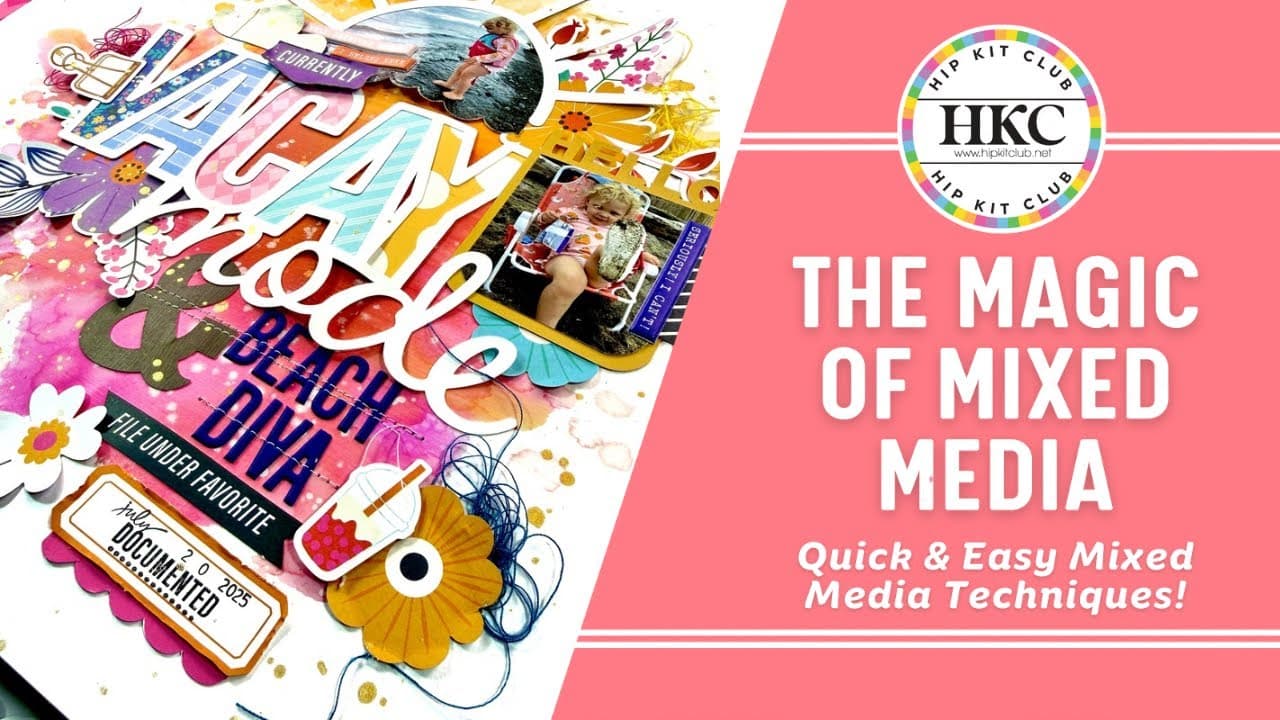
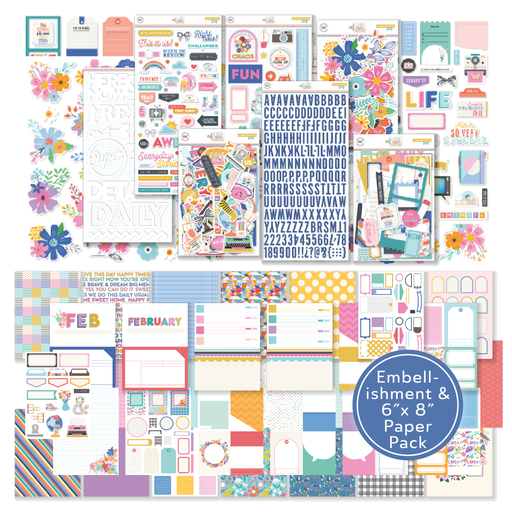
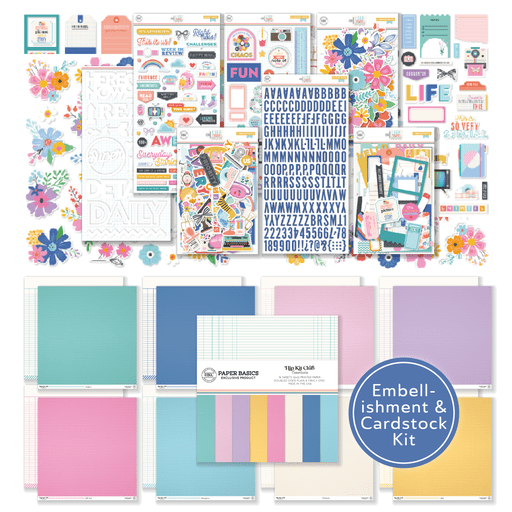
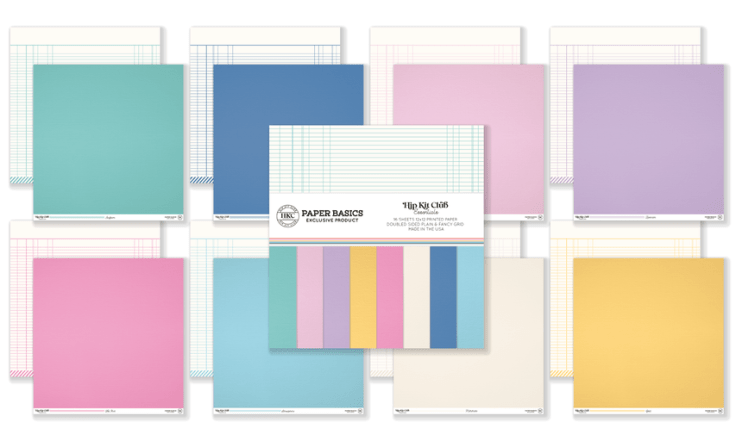
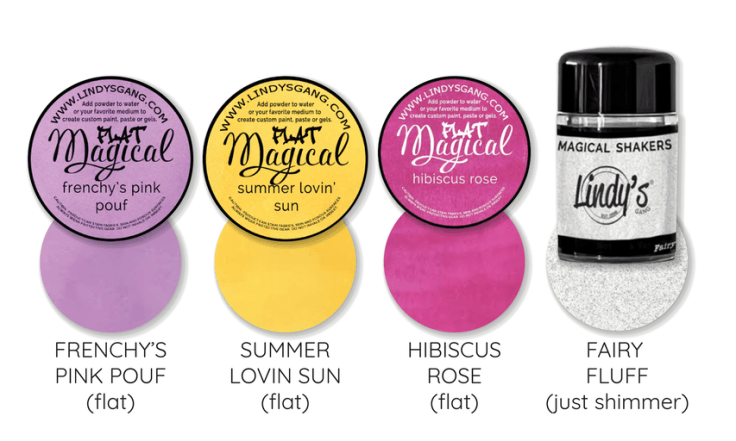
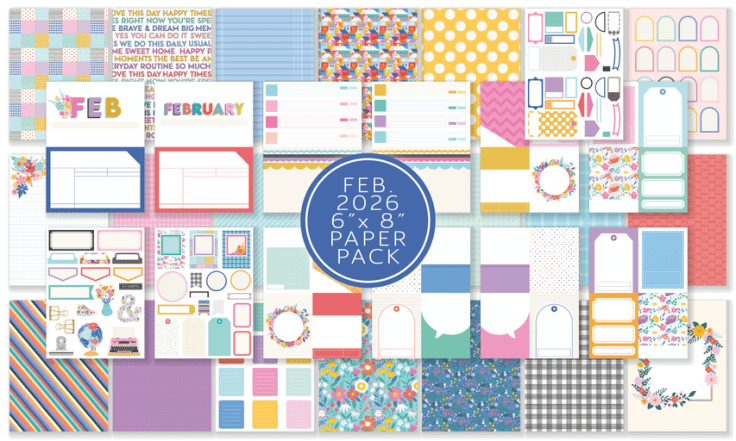
Hey friends! I am so excited to share this gorgeous mixed media layout from our incredibly talented design team member Jessica Michaels. Jessica created the most stunning scrapbook page featuring her adorable little “beach diva” daughter, and she used the February 2026 Pocket Life Kit, the Embellishment Kit, and the Color Kit to pull it all together. What I love about this layout is that Jessica combined a cut file with mixed media techniques using clear gesso and Lindy’s powders from the Color Kit to create this dreamy, colorful background that just makes everything pop. She also worked in puffy letter stickers, die cut flowers, and a coordinating stamp set from the Pocket Life Stamp Set to build out the sweetest details.
If you have been wanting to try mixed media on your layouts but felt a little intimidated, this is the perfect tutorial to follow along with. Jessica walks you through every step in such an approachable way, from prepping your cardstock with gesso all the way to adding machine stitching and thread for that extra bit of texture and dimension. She also shares some of her best tips for stretching your supplies further, like cutting die cuts in half to use across multiple projects. Grab your February 2026 kits and let’s get started!
Step-by-Step Tutorial
Step 1: Prep Your Cardstock with Clear Gesso
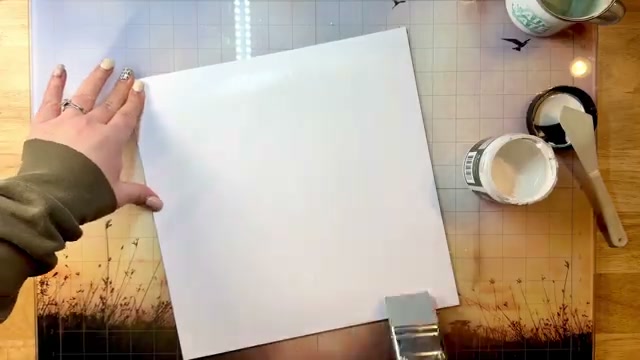
Start by pulling out some clear gesso and spreading it across a piece of white cardstock using a small spatula. Work it nice and smooth across the surface, then set it aside to dry completely. The gesso creates a base that allows for better blendability with your colors later and helps the cardstock hold up against warping when you add water during the mixed media process.
Step 2: Back Your Cut File with Patterned Papers
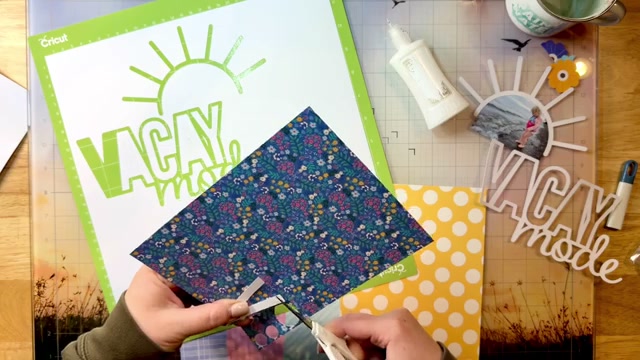
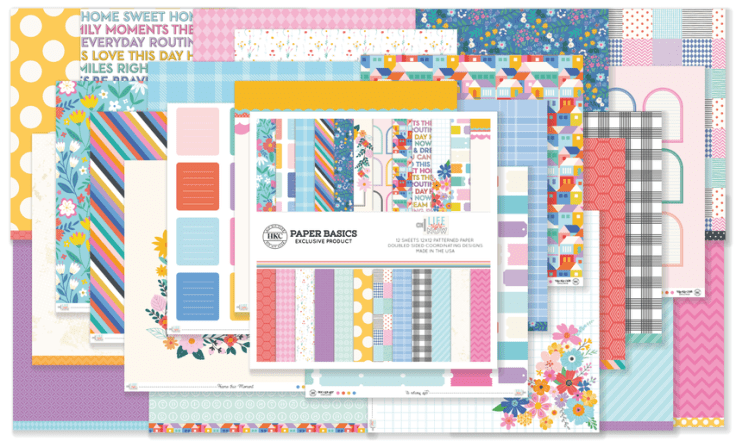
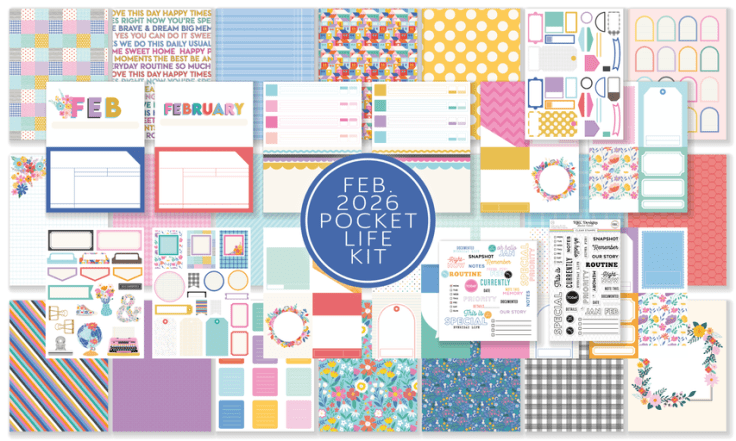
While your gesso dries, grab your cut file and the patterned papers from the February 2026 Pocket Life Kit. Use the negative pieces from the cut file as templates by placing them on top of your pattern papers, then cut an outline big enough to have something to glue to the backside. This is a quick and easy way to manually back letter cut files so all those gorgeous patterns peek through.
Step 3: Assemble and Finish the Cut File Letters
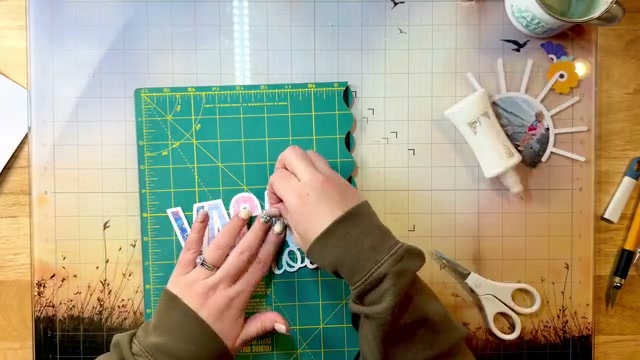
Flip the cut file over and use Deluxe Nouveau liquid adhesive to glue your patterned paper pieces to the backside of the letters. Keep checking by flipping it back over to make sure your patterns are lined up and nothing is sticking out. For letters like the A that have open middles, use the negative pieces again with an X-Acto knife to trim out the center portions, leaving a small border so you have something to adhere those middle pieces to.
Step 4: Die Cut a Wave Pattern on Your Photo
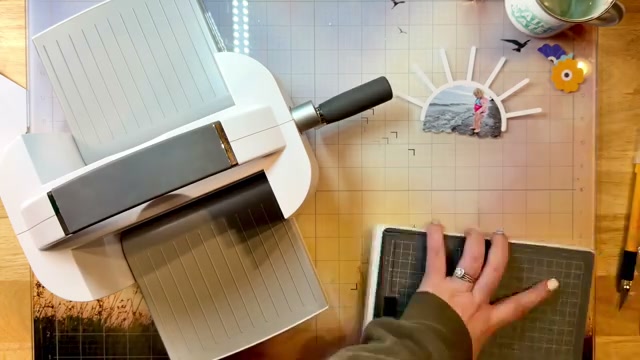
Pull out your manual die cutting machine and a wave die to create a fun wavy edge at the bottom of your photo. Jessica ran her photo through the die cutting machine about four times to get a clean cut all the way through, so do not be afraid to run it through a couple extra times if your photo is being stubborn. This little wave design adds such a sweet touch to the bottom of the layout.
Step 5: Create Your Mixed Media Background
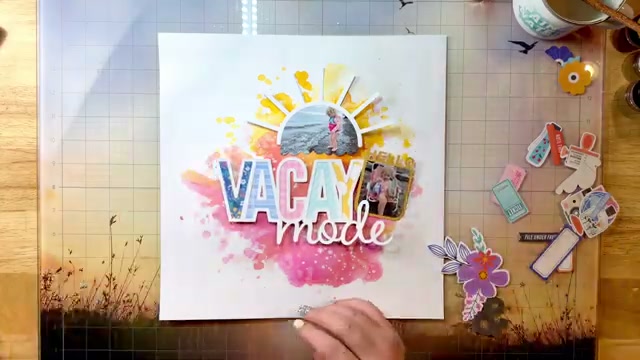
Now that your gesso-prepped cardstock is dry, sprinkle the Lindy’s powders from the February 2026 Color Kit directly onto the paper and spritz with water. Pick up the paper and tilt it to blend the colors together for beautiful organic blending. Use a paintbrush dipped into the pooled color to flick splatters across the page, dab up any large pools with a paper towel, then water down some white acrylic paint and flick that on too for a gorgeous marbling effect.
Step 6: Build Your Title and Add Embellishments
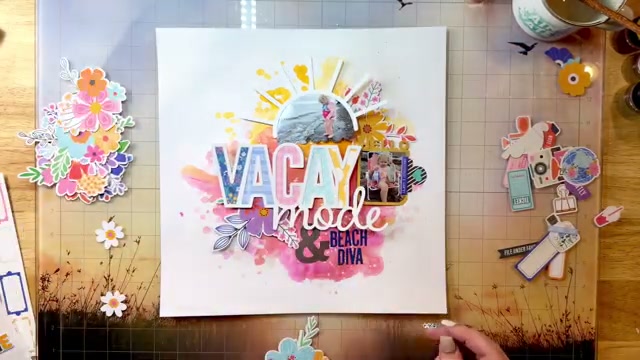
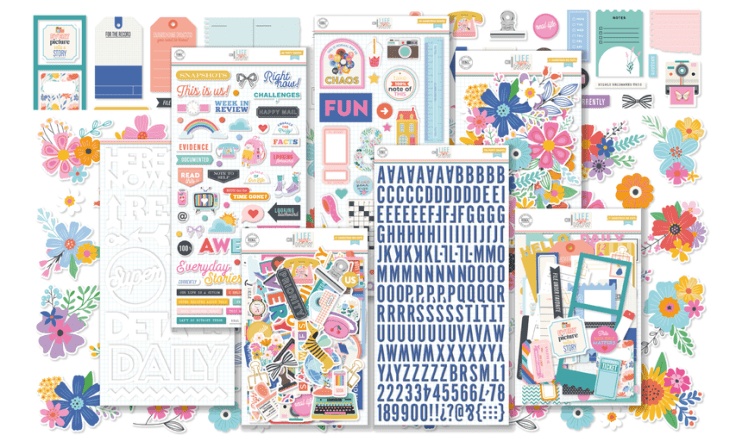
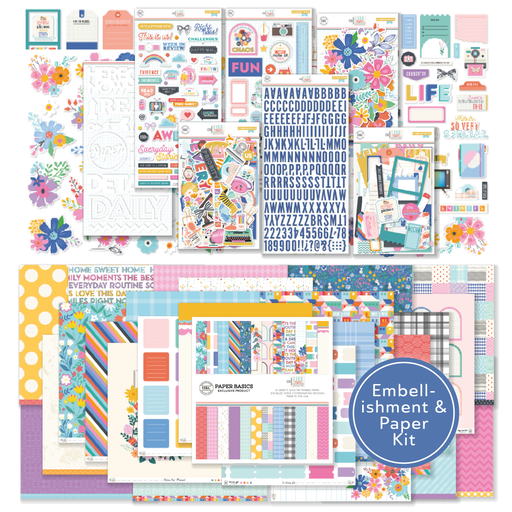
Start layering up your embellishments from the February 2026 Embellishment Kit around your photos. Use the puffy letter stickers from the kit to build out a subtitle alongside your cut file title. Jessica added die cut flowers around her photo, and she shares a great tip here – cut your die cuts in half and tuck them behind photos to stretch your supplies further and get more use out of every kit.
Step 7: Stamp Your Details
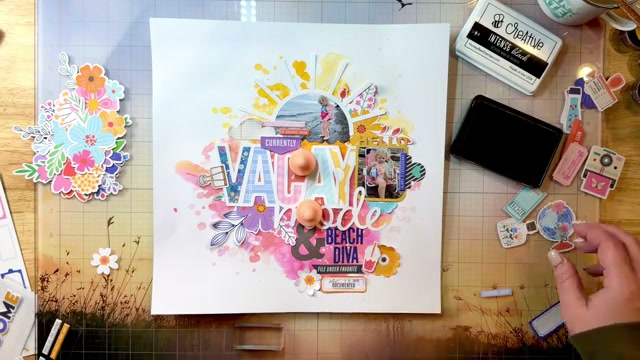
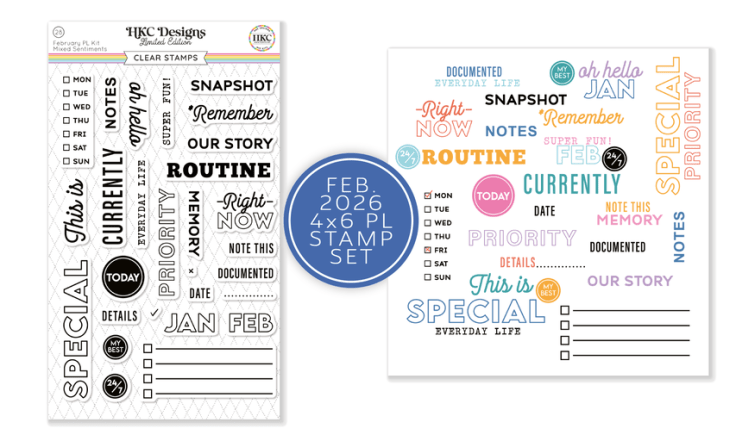
Grab the February 2026 Pocket Life Stamp Set and stamp a phrase at the bottom of your tab along with your date and some little dot designs. Jessica also trimmed a scallop border from one of the Pocket Life pages and placed it at the bottom of her tab for some extra interest. These small finishing details really help tie everything together and give the layout a polished, complete look.
Step 8: Add Machine Stitching and Thread
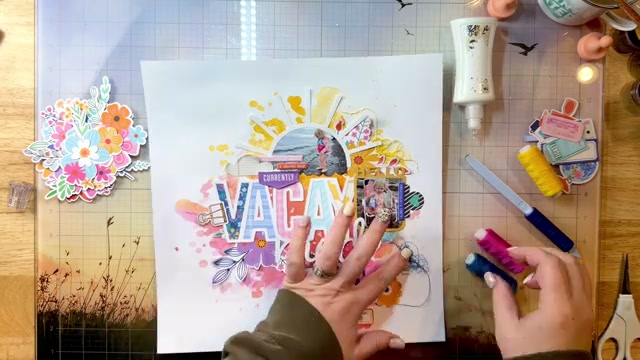
For that final layer of texture and dimension, run some machine stitching across your puffy letters at the bottom of the layout. Then add coordinating thread colors that match the kit palette to different areas of the page. Glue down the thread tails so they stay put when you slide the layout into your page protector. This finishing touch makes the title pop and adds that handmade, tactile quality that takes the whole layout to the next level.

Looking for more inspiration? Check out our guides on heat embossing techniques.
Want to experiment beyond traditional layouts? Our art journal ideas page has a ton of mixed media approaches that are perfect for playing with new techniques.
These same supplies work great for card making too – our card making ideas collection has loads of quick projects if you want to try something between layouts.
Looking for more layout inspiration? Check out our collection of scrapbook page ideas with full-size photos you can use as a starting point for your own pages.
These techniques translate to any themed album. Check out our graduation scrapbook ideas, baby scrapbook ideas, and wedding scrapbook ideas for layout inspiration you can customize.
Want to try more creative techniques? Our art journaling for beginners and art journal techniques guides have tons of ideas for adding dimension and interest to your pages.


